
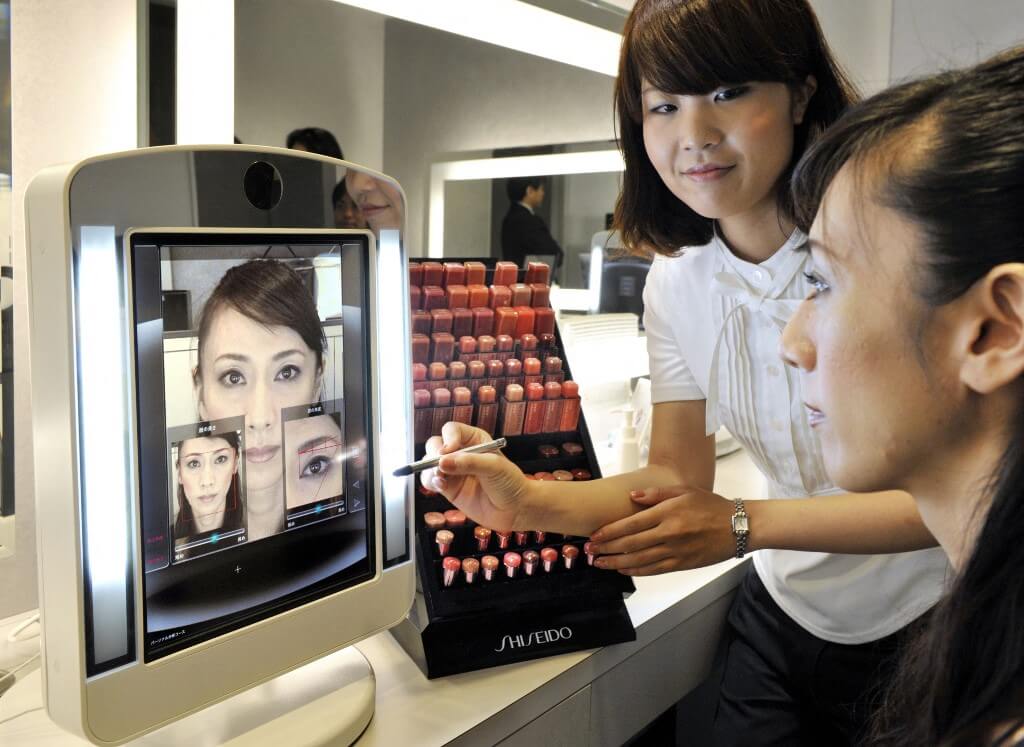

Gone are the days of swatching countless lipstick or foundation shades at crowded beauty counters. With the rise of virtual try-on tools, you can now explore a wide range of makeup shades, textures, and finishes – all from the comfort of your home. Still unsure? Explore this beginner-friendly guide, where we discuss what virtual try-on tools are and how they empower you to make smarter, more personalized makeup choices with ease.
What Are Virtual Try-On Tools?
Virtual try-on technology uses augmented reality (AR) and facial mapping to simulate how makeup products will look on your face in real time. Whether you are testing a bold lipstick, a subtle blush, or a full-face look, these tools provide you with a realistic preview, helping you avoid mismatched shades or unnecessary purchases.
Why Use Virtual Try-On To Build Your Makeup Set?
Thinking of building your own makeup set, but don’t have time to visit stores? Don’t worry! The new-age virtual try-on tools simplify this process by:
- Enhancing Shade Accuracy: See how foundation, concealer, or lipstick shades match your undertone.
- Instant Experimentation: Try multiple looks instantly without applying real products
- Hygienic & Skin-Safe: No physical contact, making it ideal for sensitive skin
- Time-Saving Convenience: Skip store visits and test products anytime
- Personalized Recommendations: Get suggestions tailored to your features
- Seamless Shopping: Shop directly through integrated virtual try-on tools
How To Build Your Perfect Makeup Set Using Virtual Try-On Tools?
Here’s a step-by-step guide on how to use virtual try-on tools to create your beginner-friendly makeup set.
Step 1: Prep Your Scene
Start in a well-lit environment, preferably natural daylight for the most accurate shade representation. Also, use virtual try-on on a clean, bare face to ensure colors and finishes appear true-to-tone.
Step 2: Access The Tool
Visit a brand website or download an app that offers AI-powered virtual try-on features, such as popular beauty platforms from leading makeup brands.
Step 3: Upload Or Live Scan
Use your device camera for a real-time experience or upload a clear selfie. Some advanced tools even allow photo scanning to recreate specific makeup looks.
Step 4: Experiment With Products
Use virtual try-on to find your ideal primer, foundation, and concealer match. Look for tools that adjust to lighting conditions for more accurate results. Test multiple shades along your jawline to ensure a seamless blend. Also, try other eye and lip makeup products to see what suits you best.
Step 5: Test Product Combinations
Try out products digitally to see how they work together. For example, check how a dewy foundation pairs with a powder highlighter or how a matte lipstick complements a smoky eye.
Step 6: Save And Compare Looks
Most platforms let you save looks or take snapshots. Compare different styles side-by-side to decide what best fits your aesthetic and needs.
Step 7: Shop Smart
Once you have saved your favorite products or looks, add selected products directly to your cart, and shop as per your preference.
Additional Tips For Smarter Utilization Of Virtual Try-On Tools
- Start With A Bare Face: For the most accurate results, use virtual try-on tools on a clean, makeup-free face so shades and finishes appear true-to-tone.
- Use Natural Lighting: Even with augmented reality (AR), lighting impacts how colors appear. Try testing in well-lit environments.
- Know Your Undertone: Warm, cool, or neutral undertones affect how shades look on your skin.
- Cross-Check Reviews: While virtual try-on is helpful, combine it with user reviews for texture and wearability insights.
- Start Minimal: Build a versatile makeup set first, then expand with trend-driven products.
Virtual try-on tools are transforming how we shop for makeup, making beauty more inclusive, accessible, and tailored. Now that you know how to use VTO tools to your advantage, building your perfect makeup set becomes easier, smarter, and far more enjoyable.